
How to Place a Block in The Great Build (and the Milestones)
To place a block in The Great Build, pull the Block Giver lever near spawn, pick a gratitude message, and your block flies up the tower with your username on it. You get one block every 60 minutes. The reward conditions pair five placed blocks with community totals of 1, 5, 10 and 20 million; guides disagree on whether blocks placed before a milestone count.
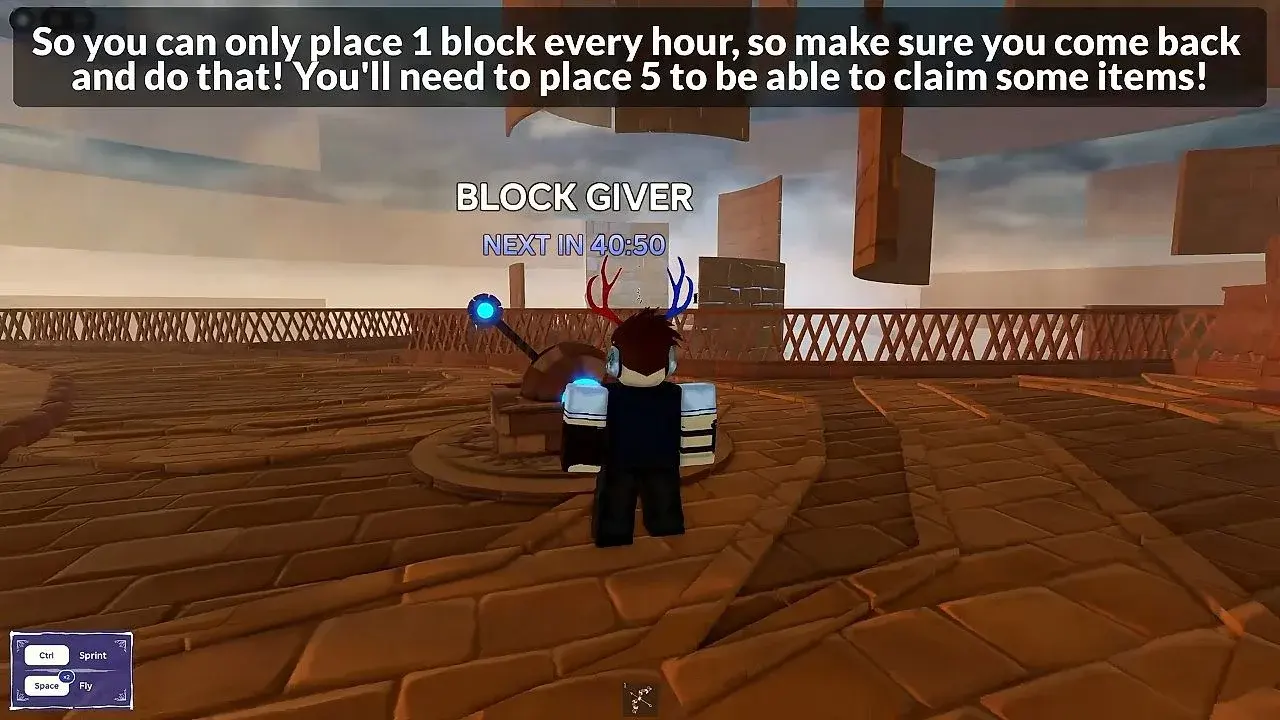
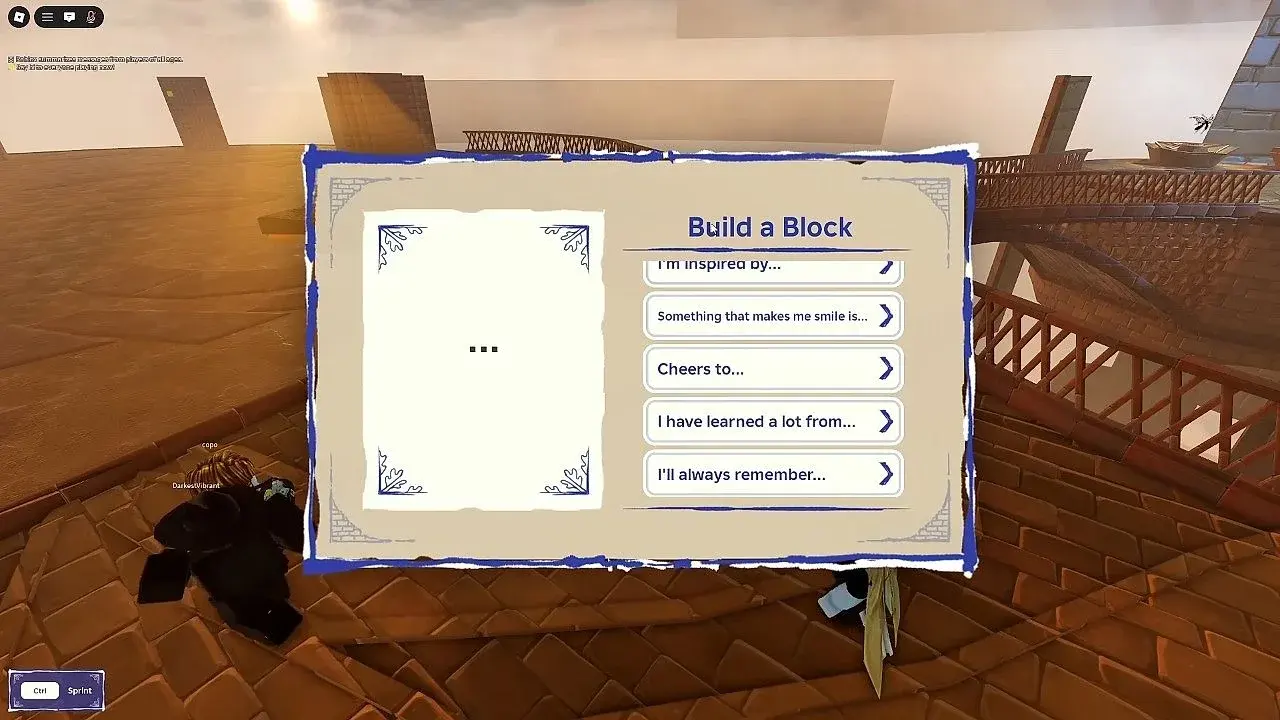
Placing your block, step by step
- Spawn in the hub and walk to the Block Giver (a lever on a pedestal near the spawn area). A timer above it shows when your next block is ready.
- Pull the lever. A Build a Block panel opens.
- Pick a sentence starter such as "I'm grateful for…", "I'm inspired by…", "Something that makes me smile is…" or "I'll always remember…", then choose an ending from groups like Family, Community, Food & Gathering, Hobbies or Roblox.
- Confirm. The block carries your message and username and joins the shared tower.
- Come back in about an hour for the next one. Repeat until you have five.
You cannot type free text; the messages are built from presets. Click any block on the tower to read what someone else wrote. The "To Top" and "To Bottom" buttons move you along the tower, and an info board shows the block count and height.
Community milestones and what they unlock
| Milestone | Unlocks | Reached | How sure |
|---|---|---|---|
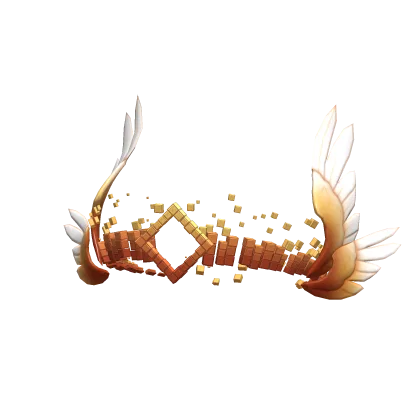
| 1,000,000 blocks | 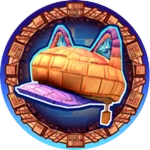 Patchbrick Cap | 2026-11-25 4:20 PM EST (21:20 UTC) | reached (two sources) |
| 5,000,000 blocks | 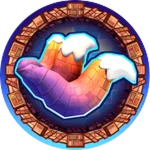 Snowcapped Brick Tails | night of 2026-11-25 (time not published) | Reached (1 source for timing; badge awards do not establish its exact time) |
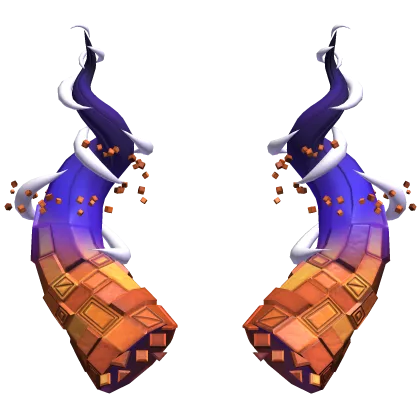
| 10,000,000 blocks | 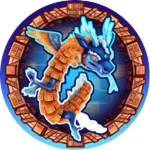 Terracotta Skyserpent | 2026-11-26 about 2:00 PM EST (19:00 UTC) | Reached (1 source for timing; badge awards do not establish its exact time) |
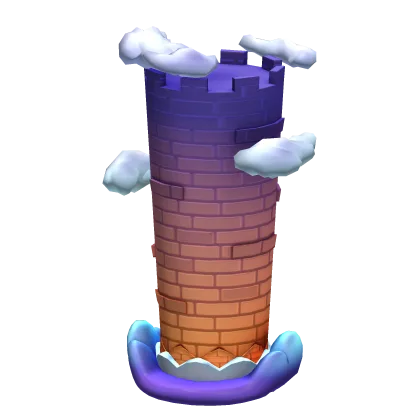
| 20,000,000 blocks |  The Ascendant Bloom | — | 0 badge awards (1 source: Roblox API); tower total not reported |
Brickle & Pebble (1,046,612 awards) needs only your five blocks. The Ascendant Bloom has been awarded 0 times (1 source: Roblox Badges API). That is an award count, not a measurement of the tower total. The Roblox Wiki notes a fun detail: when the tower passed one million, no single player had placed five blocks yet, because the hourly limit made that impossible in under four hours.
What the block highlight colours mean
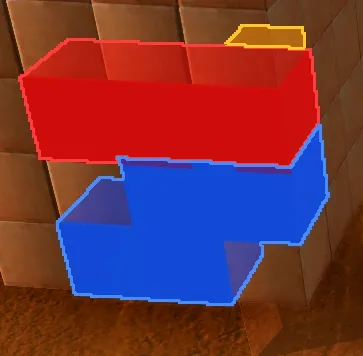
When you look at the tower, blocks are outlined in different colours. The Roblox Wiki lists six:
| Colour | Whose block |
|---|---|
| White | Yours |
| Red | A Roblox Admin |
| Orange | Someone in your server |
| Yellow | An influencer / Star Creator |
| Green | A friend |
| Blue | A developer |
Gamezebo lists only four colours and calls same-server blocks gold; we use the fuller Roblox Wiki table and note the difference here.
Things guides still disagree on
- The hourly reset. "Once an hour" (Roblox Wiki) and "60-minute cooldown" (Gamezebo) could mean either a fixed clock or a rolling timer.
- Missed hours. No source says whether unused blocks stack up; that field remains unknown.
- Current tower total. The live block count is only shown on the in-game board, so we do not print one. The badges give reward awards rather than a current tower total.
Conor3D · 2026-11-25 · 2:24 · 82,062 views
Frequently asked questions
How many blocks can I place in The Great Build?
How many blocks do I need for every tower item?
Has the tower reached 20 million blocks?
Can I write my own message?
Keep going
Sources
- Roblox experience page: The Great Build — Description, dates and creator. Read 06:05 UTC.
- Roblox Wiki (Fandom): The Great Build — Event history, milestone times, block colours, message presets, trivia. Read 05:50 UTC.
- Gamezebo: Roblox The Great Build event guide — Block cooldown, obby route, island heights. Updated 27 Nov; read 05:55 UTC.
- TechWiser: Roblox The Great Build event guide — Milestone table and circlet notes. Published 26 Nov; read 05:52 UTC.
- Aprasi: how to get all 10 free prizes — Five shared blocks, E to claim on PC, 08:00 UTC closing claim, mobile flight. Read 06:00 UTC.
- New Game Scout: The Great Build guide — Pedestal text, flight controls, timer screenshot. Read 05:42 UTC.
- Roblox badge list for The Great Build — The ten reward names, award totals and past-24-hour counts. Read 06:36 UTC.
Sources checked on 28 Nov 2026 (times in UTC). How we check: editorial policy.
Last updated: · TheGreatBuild.xyz editorial team